Share Camera Update
The Share Camera enters the digital age!
- New widescreen design with a flashy (badum, tish) built-in menu
- Learn the art of photography with composition guides to line up shots fit for a printed photo, profile picture, or any composition you are going for. Comes in fun shapes like Square, Circle, and Grid… which is totally a shape.
- Zoom! Go up to 2x or out to 0.5x to fit all your friends in the shot and get artistic with it
- More Timer options and on-preview countdown
- Selfie preview is like looking in a mirror, it finally makes sense! (if you somehow prefer the old way, the option’s still there)
- In Tripod mode, the menu shows on both sides of the camera. No more setting up a shot and realizing it's facing the wrong way!
- Higher preview resolution and framerate (dependent on device and graphics settings)
- Removed watermarks when sharing natively. Just clean, pristine, HD photos.
- You can print a photo, then share it. Or share it, then print it. Set your profile pic while you're at it. Order does not matter!
- Automatically smile when looking at your camera, or your friend's! (find the option in the Share Camera's settings)
Screen players have a new way of using the Share Camera with lots of new expressive and creative capabilities!
- Hold the camera up like you are taking a real photo
- A perfectly accurate preview of what will be in the shot, no more guessing and checking.
- In Selfie mode, aim to adjust your position in the frame. Aim past the edges to continue rotating. There are a few control settings for selfies so you can find what feels best to you.
- For Mouse and Gamepad, the usual tool menu button switches between aiming the camera and using a cursor on the built-in screen
- And yes, all the above features (new and old) work on Screens too!

Maker Pen Menus
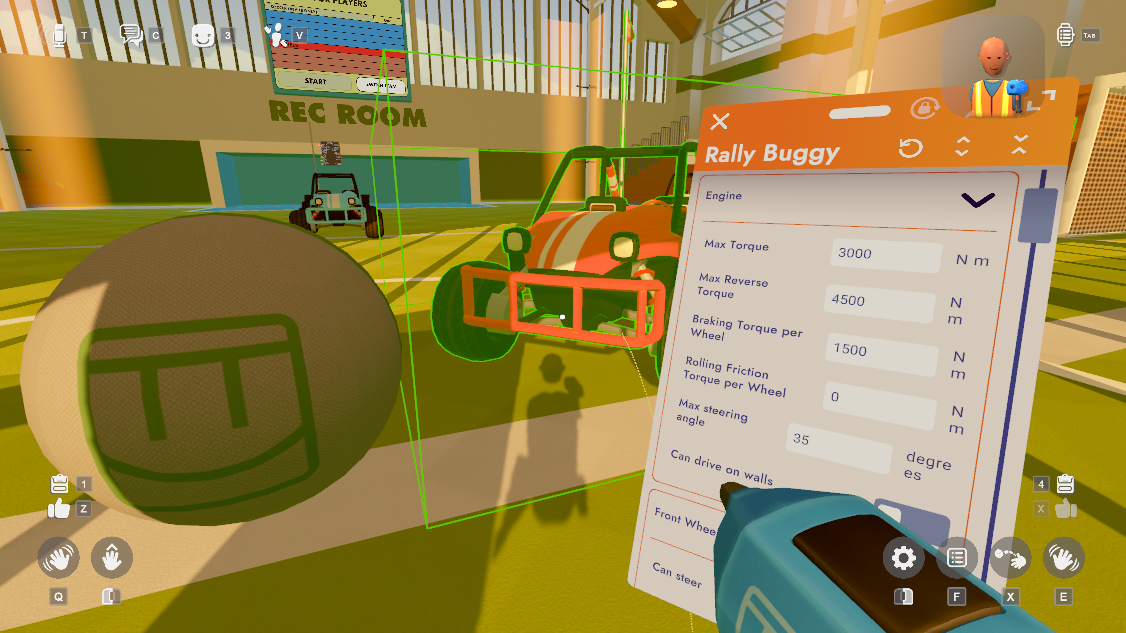
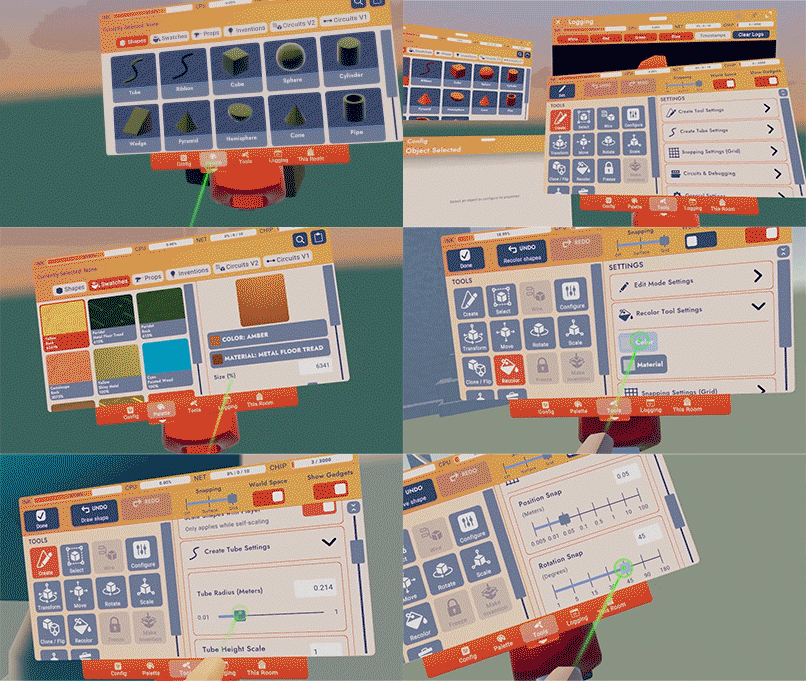
- The tear-off menus now remember where you set them relative to your player and your preferred size.
- They’re also now 20% off! (they spawn a fifth smaller than they did previously) ;D Adjust the menu size using the option provided in the top bar of each of these menus.
- In VR, the Maker Pen detached menu is now resizable!
- We’ve also set up some experiments to test out different Maker Pen tool button layouts and colors. So there’s a chance you’ll see different versions of the tool menu over the next couple of weeks.
General Improvements and Bug Fixes
- Polished the report, messaging, and mute buttons in the new player profile
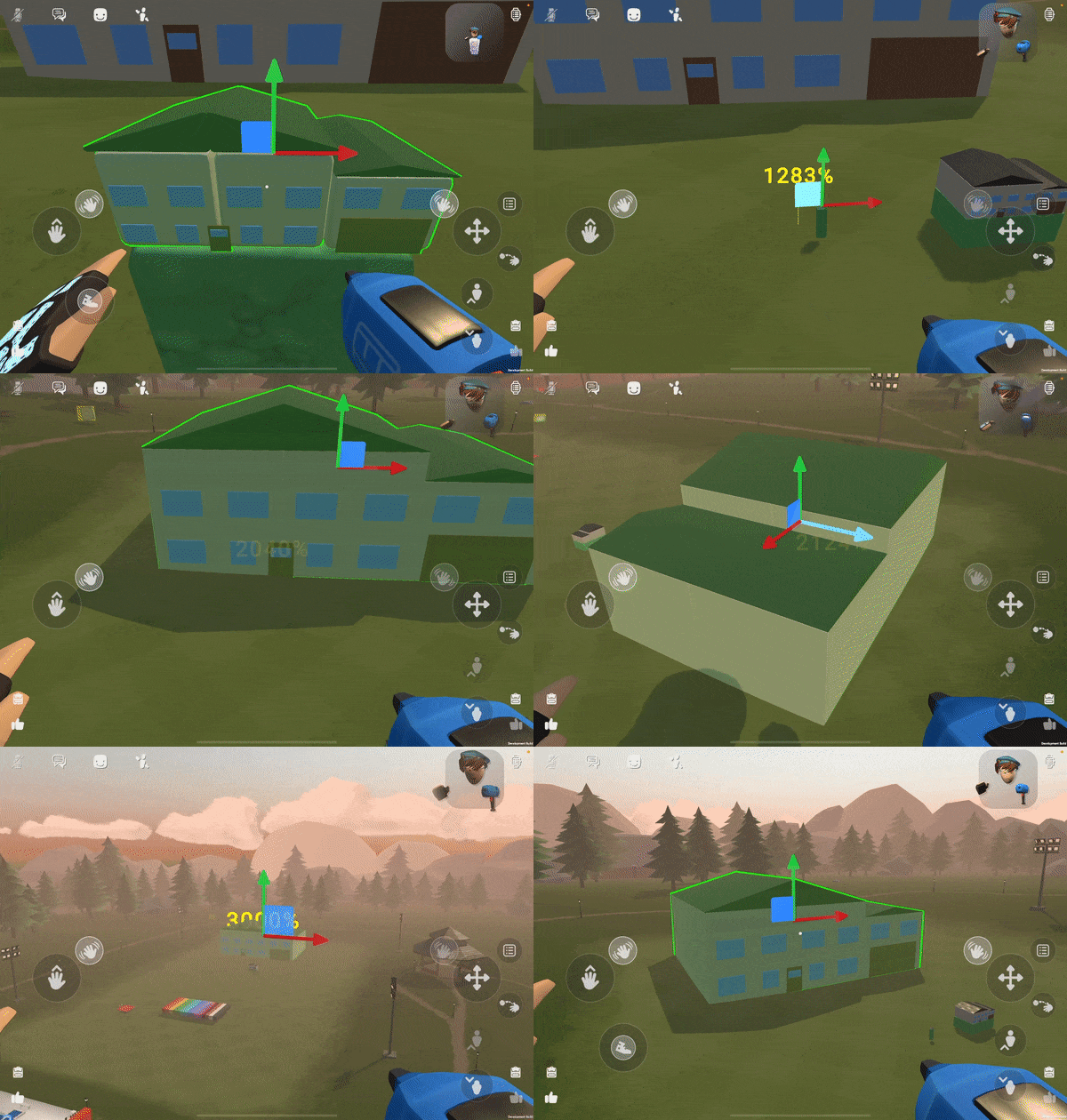
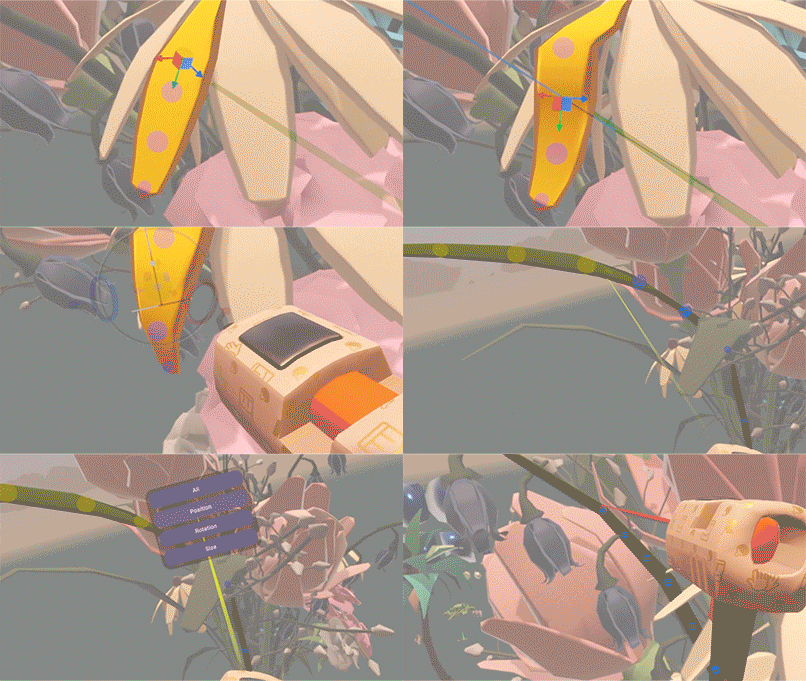
- Small moves using the plane handle are now possible!
- Avatars no longer looks crazy when looking at a Set Game State Chip.
- Fixed an issue where opening the people page while changing rooms could break player locomotion.
Please see here for convenient links to controls, tutorials, comfort options, etc.: https://recroom.com/community We love to hear your feedback, so please don't hesitate to let us know what you think.

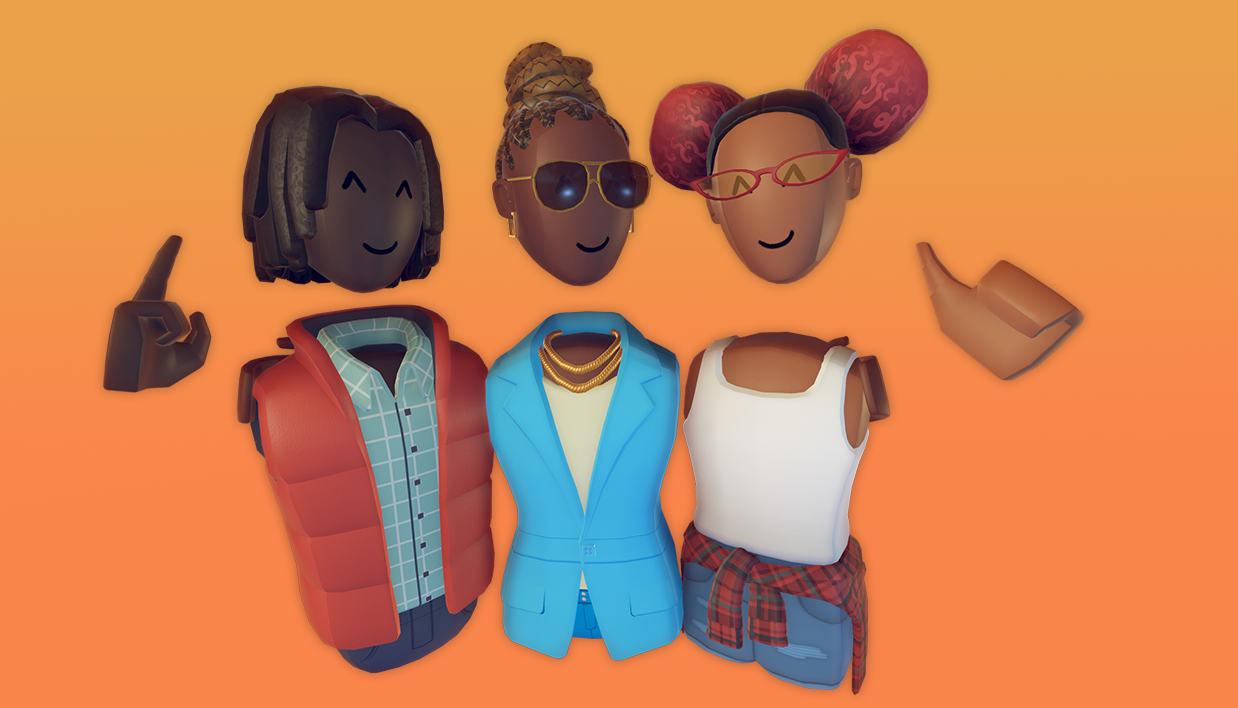
 And since 'tis the season for giving, and getting, the Friendotron gets an upgrade that allows you to send free gifts to up to two people per day, including yourself!